14 - 16 October 2026
Useful info to exhibit
- Home arrow_right
- Info for Exhibitors
From Planning to Execution: All the Info You Need to Participate in INOUT | THE HOSPITALITY COMMUNITY
Below you will find all the necessary information and services to ensure your participation in InOut | The Hospitality Community is easy and successful:
InOut Membership Application
To be filled out and sent in PDF format

InOut Exhibition Fees
Exhibition fees and useful info for participation

Regulations and deadlines
General terms and conditions of participation

Fairgrounds regulations
Technical regulations of the fairgrounds
Setup Dates and Times
Here you will find all the useful info for setting up and dismantling your booth.
TOURISM&HOSPITALITY HUB: discover the digital platform
Tourism&Hospitality Hub is the digital platform that gathers all events organized by the Tourism& Hospitality division of Italian Exhibition Group in one place, offering specific content throughout the year.
Marketing Tools
Maximize your visibility through targeted multi-channel promotion, both online and offline. We offer companies visibility solutions before, during, and after the event, as well as discounted digital promotional packages!
Digital Ticket Assistant
Strengthen your business relations: make your exhibition presence more effective by inviting your customers.
We remind you that invitations are available in your reserved area, so that you can send them to your customers.
InOut I The Hospitality Community, 14-16 October, provides exhibitors with the “Digital Ticket Assistant” service, a personal consultant who will support you in all stages of inviting its customers.
You will be able to write to ticketassistant@iegexpo.it or call 0541744129 and you will be able to speak directly with your Ticket Assistant who will guide you step by step in the operations of inviting his clients.
Service Hours:
The service is available from September 7 to October 15 at the following times:
From September 7 to October 2
09:00 - 13:00 (Monday to Friday)
From October 5 to October 14
09:00 - 13:00 and 14:30 - 17:30
Thursday, October 15
09:00 - 13:00
Here is some useful information for inviting your customers:
How can i invite my customers?
How can I send several invitations at once?
How can I check the invitations I have entered?
How can I send out invitations?
How can I manage failed sendings?
What will the addressee receive?
Where will the addressee find his ticket?
What should the addressee do?
How many tickets can I send to the same address?
What can I do if the visitor does not receive an invitation?
How can i invite my customers?
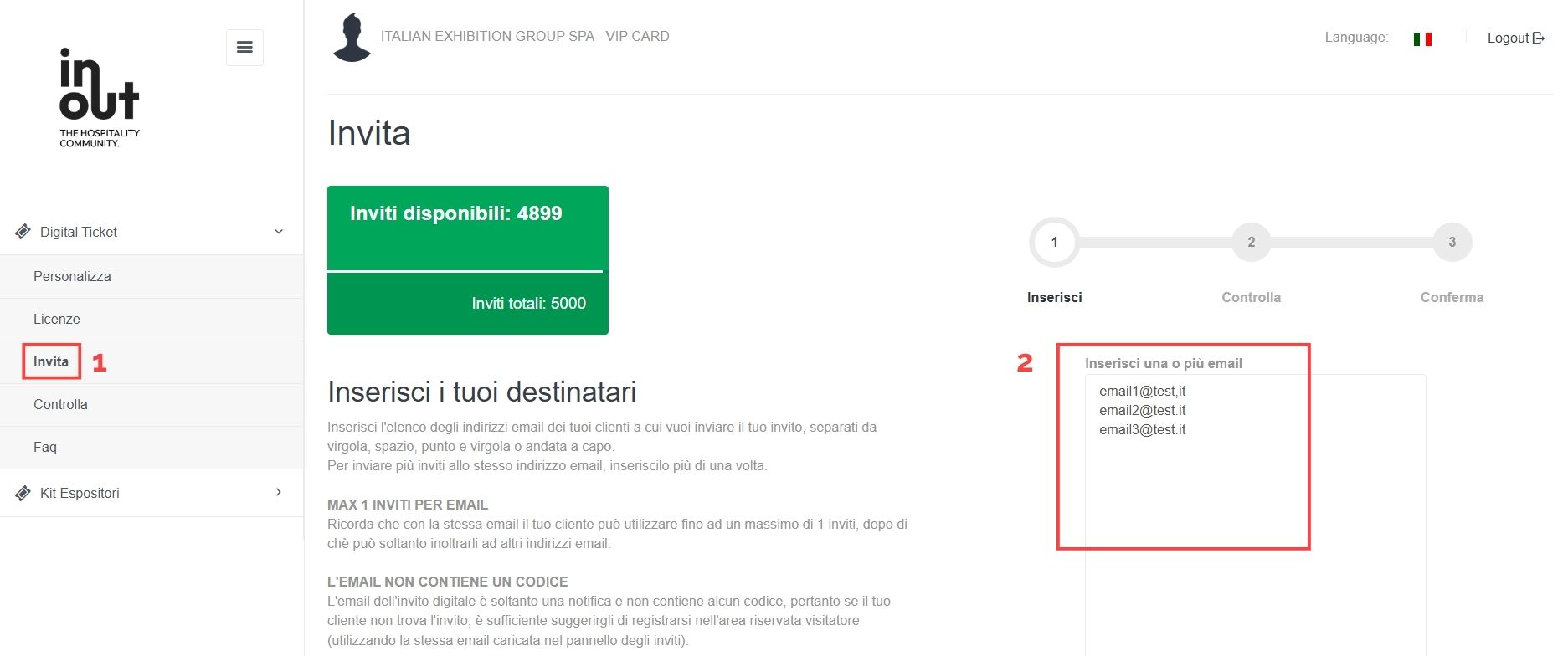
After logging into the reserved area with the credentials received via email, select “Digital Ticket” - “Invite” from the menu on the left (see box 1 in the figure) enter the email addresses to which you want to send the invitations (see box 2 in the figure):
How can I send several invitations at once?
Yes, you can send several invitations at the same time. Upload individual e-mail addresses or import an Excel file.
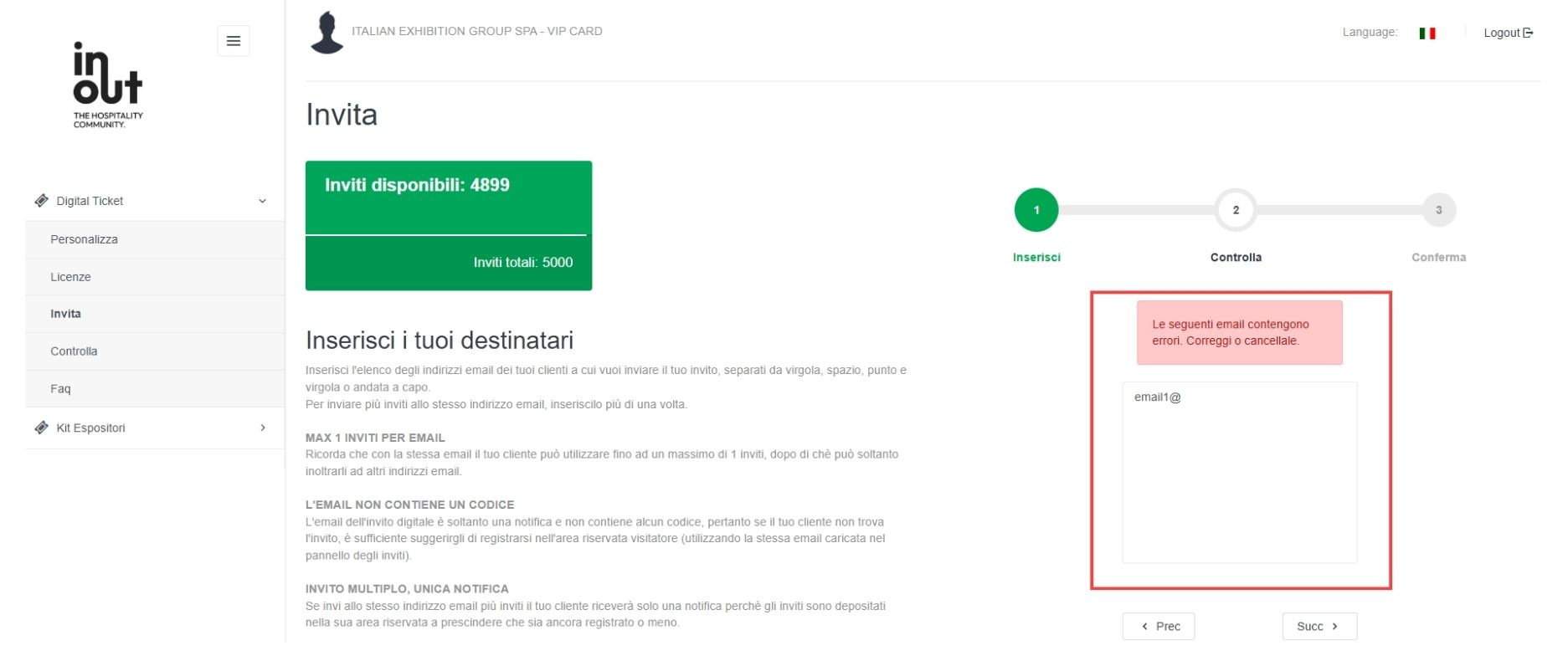
Once uploaded, you will be able to receive feedback on the validity of the e-mail addresses entered and, if necessary, correct them (see box in figure):
How can I check the invitations I have entered?
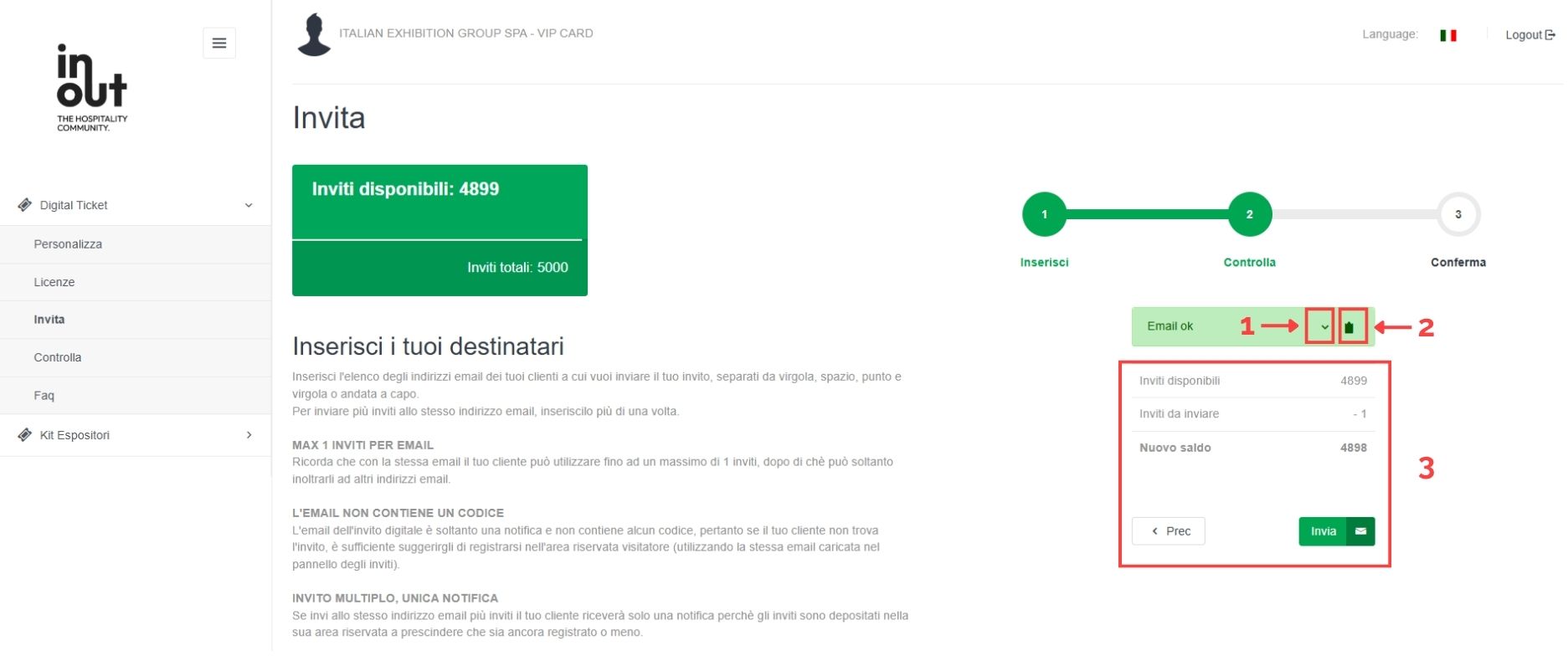
After entering the correct email addresses, you will find a summary of what was sent and you can:
- Click on the arrow (see 1 in the figure) to review the list of recipients
- on the folder (see 2 in the figure) to copy the list of recipients to the clipboard
- Monitor how many invitations you are sending and how many remain at your disposal (see 3 in the figure).
How can I send out invitations?
By clicking on “Send” you will send the invitations.
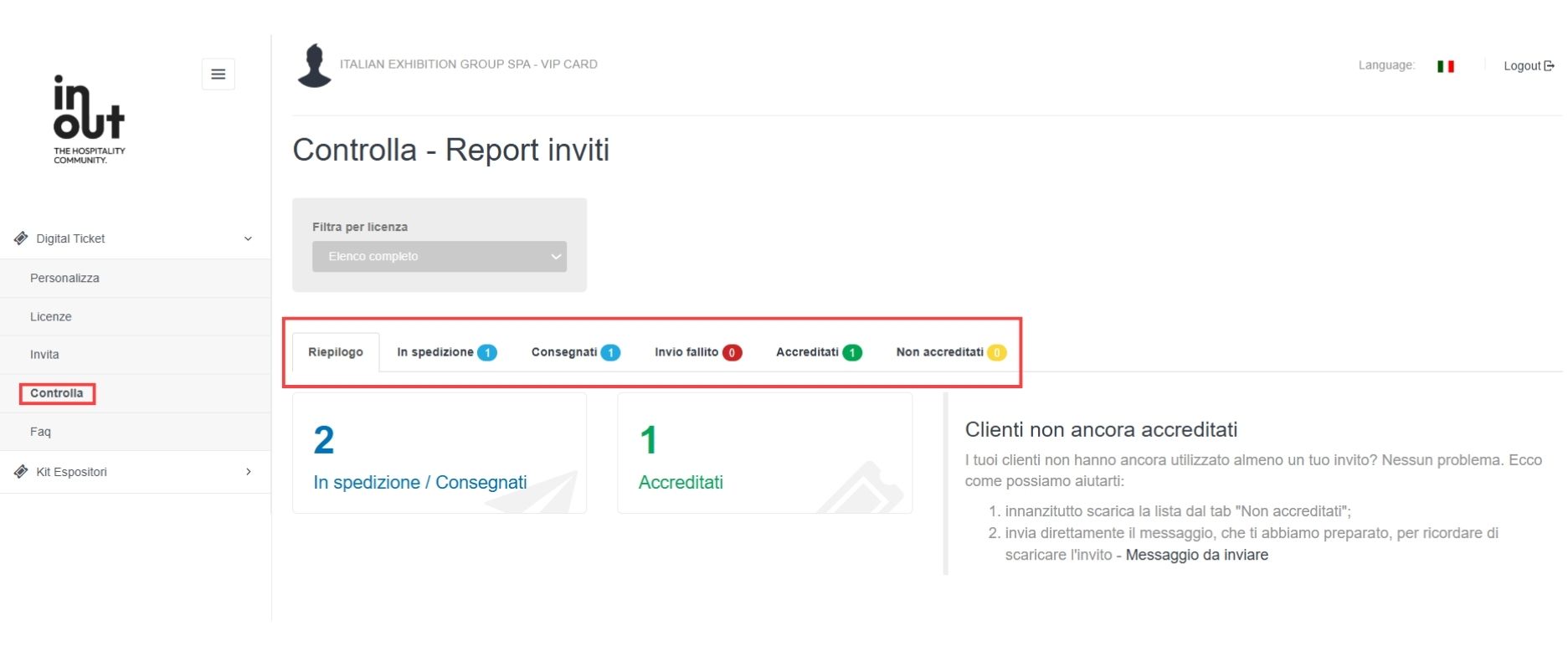
Select "control" from the left menu and monitor the progress of the invitations. Notifications are sent within a few minutes.
Click on the "Shipping, Delivered, Failed delivery, etc..." tabs as shown in the image below and see the details of each email address:
How can I manage failed sendings?
Sendings that fail (due to errors in the destination address or server) will be available to you again. You can send the invitation again to the same person. The addressee receives a single notification e-mail and will find the invitations in his or her private area, all listed as "Ticket offered by..." your company name.
What will the addressee receive?
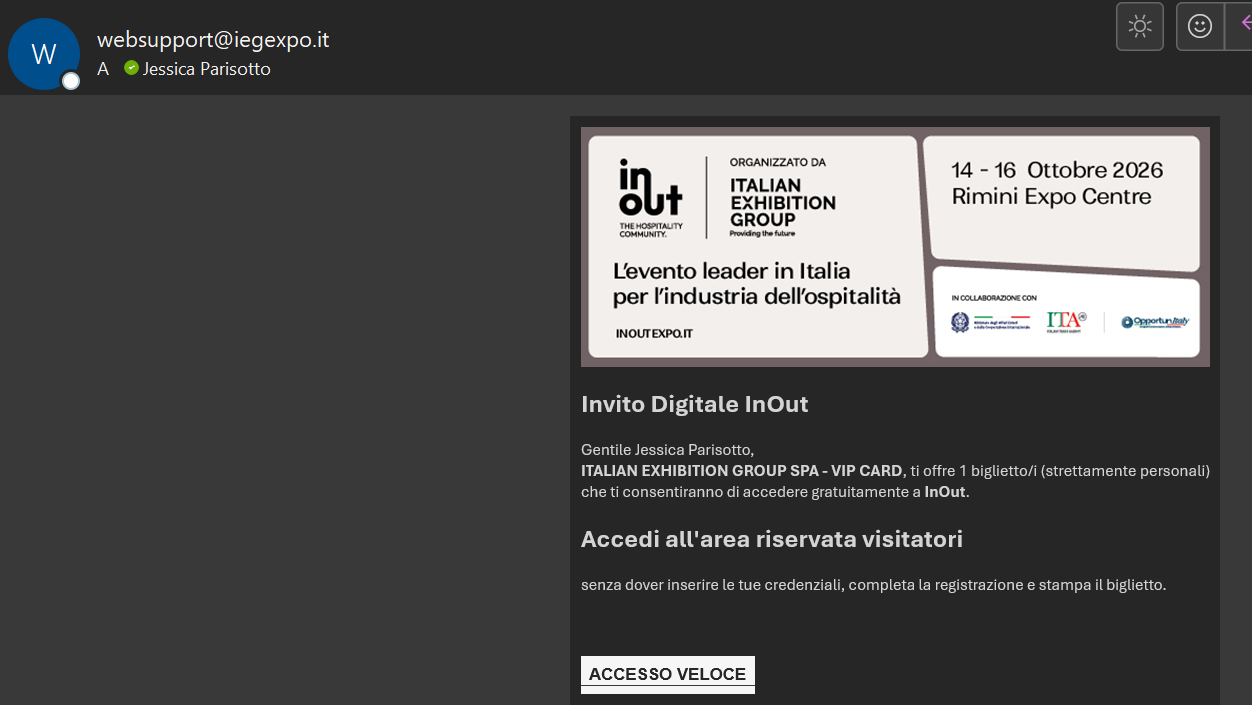
The addressee of your invitation will receive an email similar to this, personalized with your company name:
Where will the addressee find his ticket?
By clicking on "Register", your guest is redirected to the registration page of the InOut I The Hospitality Community website, and by completing the registration they will access their reserved area where they will find their ticket. However, if they have already registered in the past, the "quick access" button will appear.
What should the addressee do?
-
The addressee of the invitation, in his or her reserved area, can click on:
- "Use" and then "Print" to generate and download their ticket;
- "Forward" to forward the invite to someone else.
ATTENTION:
In their reserved area the visitor may also have other tickets, offered by
other companies. If you want them to enter with your ticket, you will have to remind them to
download just that! Remember that it is marked “Ticket offered by + your company name".
How many tickets can I send to the same address?
The maximum limit for personal use is 2 tickets, after which from the 3rd the system only allows you to forward the ticket by entering the e-mail of the person to whom it is to be forwarded.
Thanks to the possibility of sending several invitations to the same addressee (who in each case will only receive one notification) you can for example send several invitations to an agent, who can print his own and forward the remaining ones to others.
What can I do if the visitor does not receive an invitation?
If the visitor does not receive the initial email from websupport@iegexpo.it (unfortunately it can go to spam) but the invitation is among those delivered, the visitor will still be able to see it in their reserved area by registering at this link, using the same email to which the invite was sent.
Custom booth setup? There’s Pro.stand!
We help you:
-
Find innovative solutions to showcase and enhance your brand and products;
-
Design a stylish booth with quality materials and communication aligned with your goals;
-
Guarantee constant support before, during, and after the event.
Choose Pro.stand! Here’s why:
-
Proven experience in managing top-level trade shows and congresses;
-
Tailored projects for booths designed and built according to your brief and budget;
-
High creativity and functionality;
-
Cutting-edge materials and accessory services (lighting, audio, and video);
-
Single point of contact from project to turnkey installation;
-
Reliable and experienced technical partners;
-
Experienced commercial management and e-commerce;
-
Warehouses and production in Rimini for lower costs and fast handling of emergencies.
Information and contacts:
marketing@prostand.com
Tel. +39 0541 675644

A part of Italian Exhibition Group
Catering
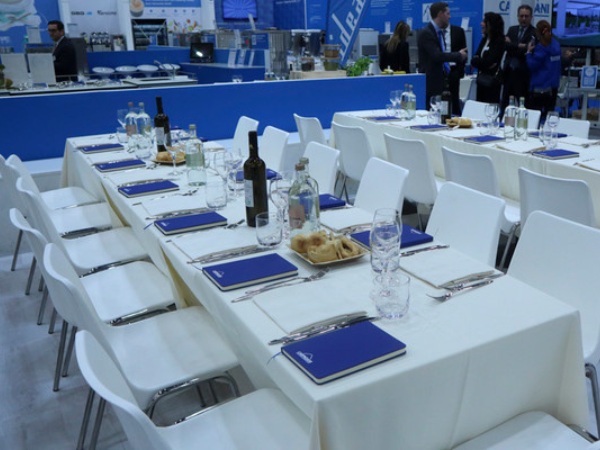
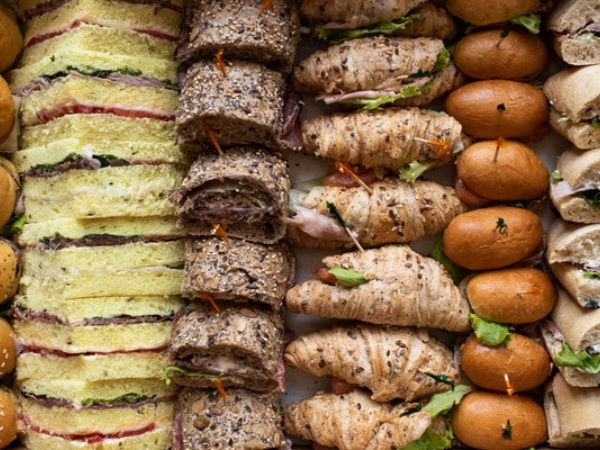
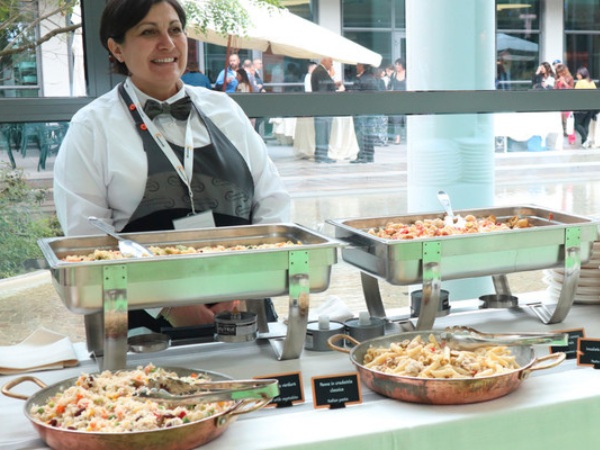
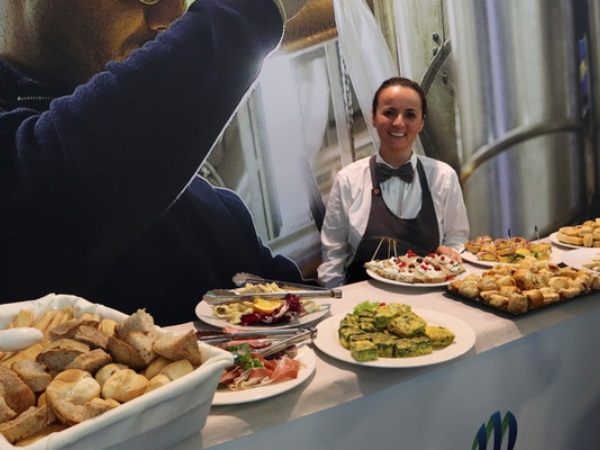
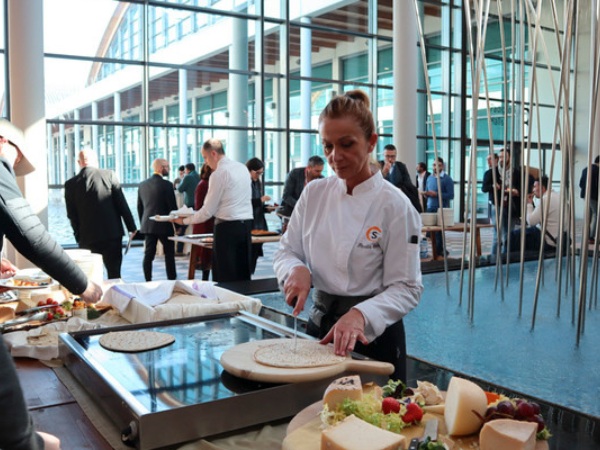
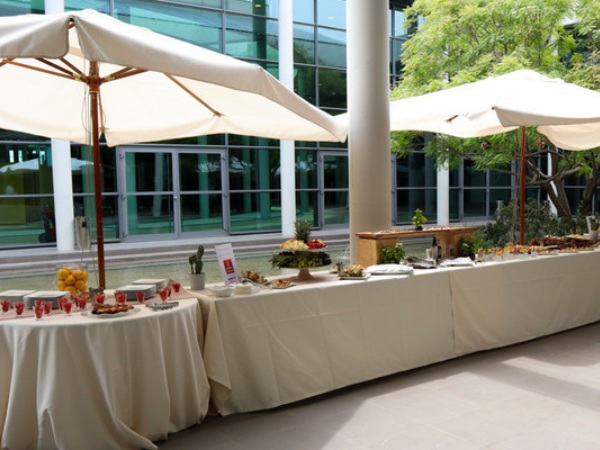
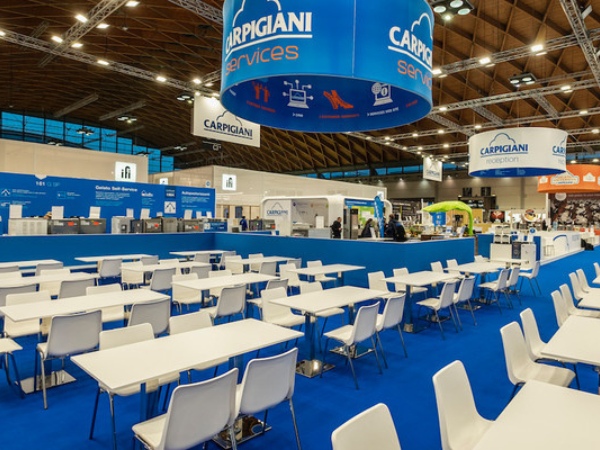
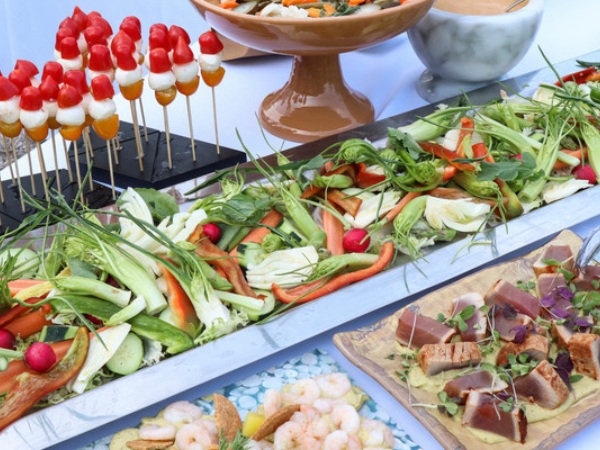
Summertrade is the IEG group company that organizes all food & beverage services throughout the fairgrounds and also at your booth, for your company and guests.
With 40 years of experience in catering, they are ready to work with you on:
-
Catering services at the booth: coffee breaks, lunches, aperitifs
-
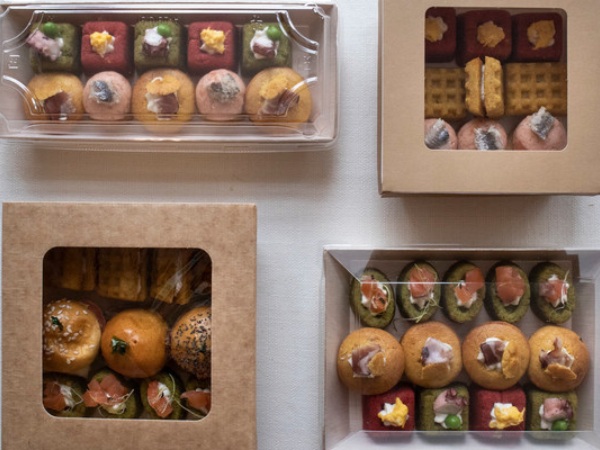
Meals for staff: lunch boxes, delivery, vouchers
-
Gala dinners or catering events
-
How?
-
Providing top chefs and qualified staff
-
Creating menus tailored to each specific event
-
Taking care of food intolerances and special diets
-
Paying attention to details and customer requests
-
Always using the best seasonal ingredients
To make your fair experience the best possible, we welcome your requests and develop personalized solutions together.

Find us in your Reserved Area or contact:
Alessandra Natale
Sales Manager Trade Shows & Corporate
Tel. (+39) 0541/55.502
alessandra.natale@summertrade.com
Accessible Fair
To make your fair experience easier, in this section we welcome your requests and develop personalized solutions to your needs.
SERVICES FOR DISABLED PERSONS
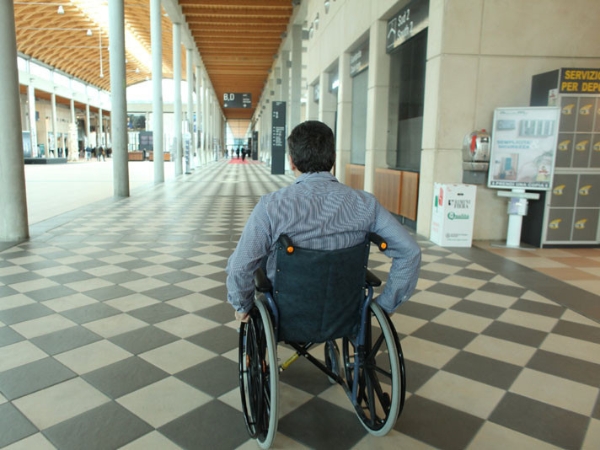
Rimini Fair offers easy access and convenient facilities for disabled visitors with the following services:
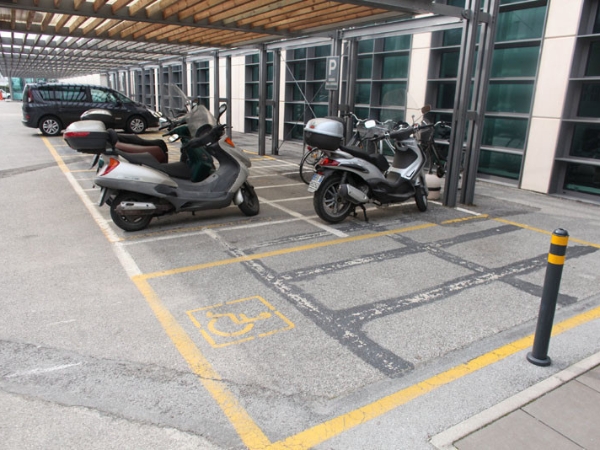
• Reserved parking
• Entrances accessible via ramps
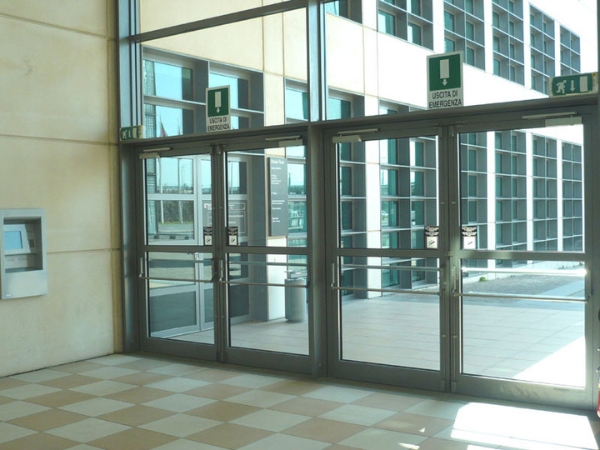
• Push-to-open doors
• Single-level connected pavilions
• Spacious refreshment areas allowing free movement
• Appropriately equipped restrooms
• Conference rooms on the upper floor accessible by elevator
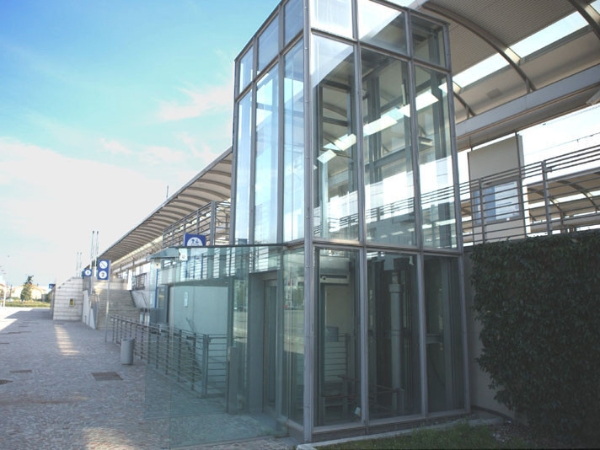
• Train station on the Milan-Bari line reachable by elevator
• Mobility aids (manual wheelchairs) available on request during the event days.
Rimini Fair offers free mobility aids (manual wheelchairs) on reservation during the event days.
To book, download the form, fill it out, and send it by email to HELP DESK (helpdesk.rn@iegexpo.it). You will receive confirmation.
Pick-up is at the infirmary of the agreed entrance upon presentation of a valid ID (required for collection) and must be returned at the end of the day, even if the reservation is for multiple days.
Notice to Exhibiting Companies
We inform you that certain companies, including “International Fairs Directory,” “Mulpor Company Srl,” “Oceandatalinks,” “Fortune Business Intelligence group inc - fortunebig,” based in various parts of the world with frequently changing company names, often send our exhibiting companies forms requesting to correct company data for advertising publications on online magazines, improperly using trademarks of our events, or offering to sell databases of buyers’ contacts including company names, internal contacts, emails, websites, addresses, phone and fax numbers.
These companies are NOT AUTHORIZED by us to use our name or trademarks. This represents unauthorized and illegitimate use of others’ distinctive signs, aimed at misleading recipients of such communications. Also, Italian Exhibition Group Spa has never communicated or transferred any buyer data to these companies.
If you receive forms or database sales offers from such companies, even by email, or from suspicious or unverifiable email addresses, please exercise MAXIMUM CAUTION considering the above.
Rev. 05.05.2023